Техническая документация
Характеристики
Brand
StarTech.comТип
Преобразователь адаптера SATA
С поддержкой форм-фактора
SATA
Количество поддерживаемых драйверов
1
Размеры
80 x 32 x 9мм
Страна происхождения
Taiwan, Province Of China
Информация о товаре
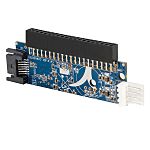
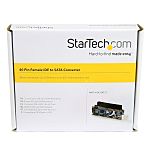
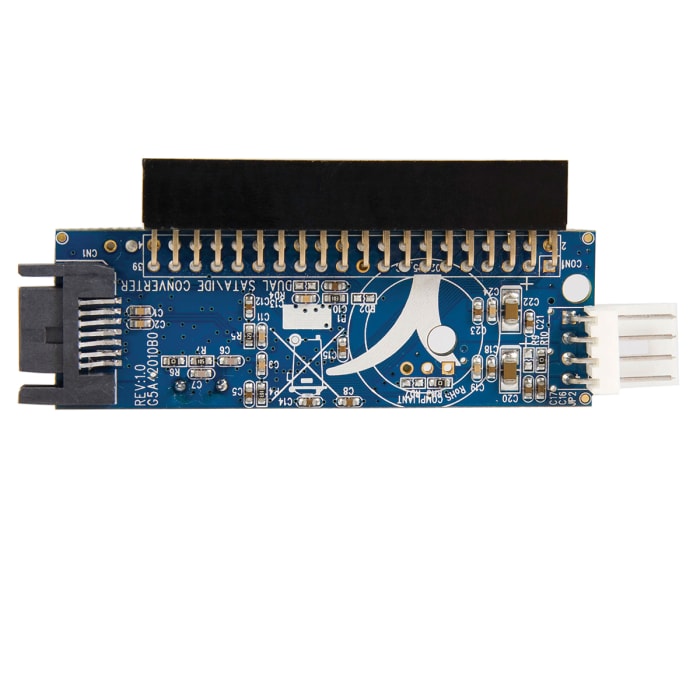
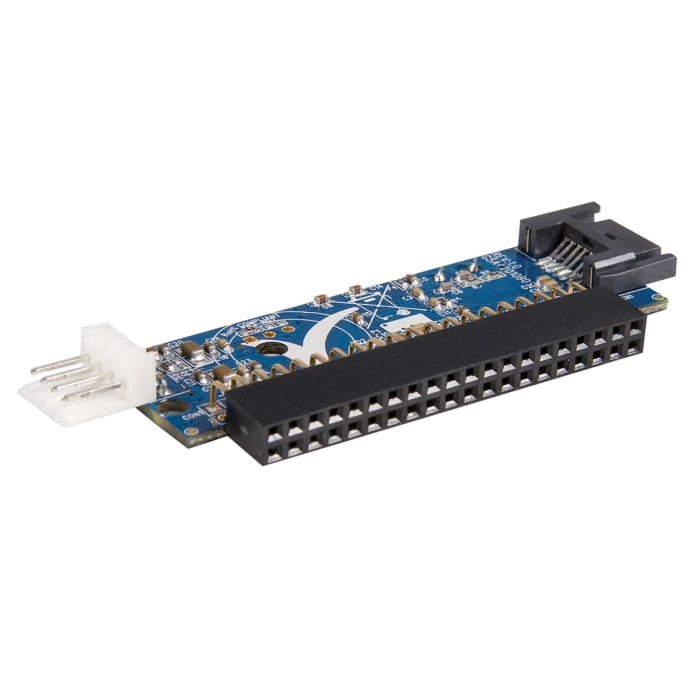
Use this IDE To SATA converter from StarTech.com to connect your SATA-based devices to legacy IDE motherboards. For versatility, the unit can fit both 2.5in and 3.5in SATA drives. It's also compatible with commonly used SATA specifications 1.0 and Ultra ATA-133.
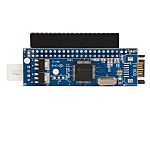
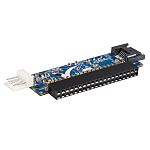
This IDE to SATA adapter converts a 40-pin IDE connector to a SATA connector, allowing you to connect a 2.5in or 3.5in SATA (SATA, SATA II/SATA 300) drive to the motherboard in place of an IDE drive.
The IDE to SATA Adapter is suitable for installation in any computer case, as it is requires minimal space and does not impact airflow.
How do I set up this converter?As this unit is OS-independent, you don't need any specific software to set it up. Simply plug it into your IDE port, connect your SATA drive and you're ready to go.
SATA
No
Информация о наличии не успела загрузиться
P.O.A.
1
P.O.A.
Информация о наличии не успела загрузиться
1
Техническая документация
Характеристики
Brand
StarTech.comТип
Преобразователь адаптера SATA
С поддержкой форм-фактора
SATA
Количество поддерживаемых драйверов
1
Размеры
80 x 32 x 9мм
Страна происхождения
Taiwan, Province Of China
Информация о товаре
Use this IDE To SATA converter from StarTech.com to connect your SATA-based devices to legacy IDE motherboards. For versatility, the unit can fit both 2.5in and 3.5in SATA drives. It's also compatible with commonly used SATA specifications 1.0 and Ultra ATA-133.
This IDE to SATA adapter converts a 40-pin IDE connector to a SATA connector, allowing you to connect a 2.5in or 3.5in SATA (SATA, SATA II/SATA 300) drive to the motherboard in place of an IDE drive.
The IDE to SATA Adapter is suitable for installation in any computer case, as it is requires minimal space and does not impact airflow.
How do I set up this converter?As this unit is OS-independent, you don't need any specific software to set it up. Simply plug it into your IDE port, connect your SATA drive and you're ready to go.
SATA
No